
Flutter Game Performance: 60 FPS Without a Hot Phone
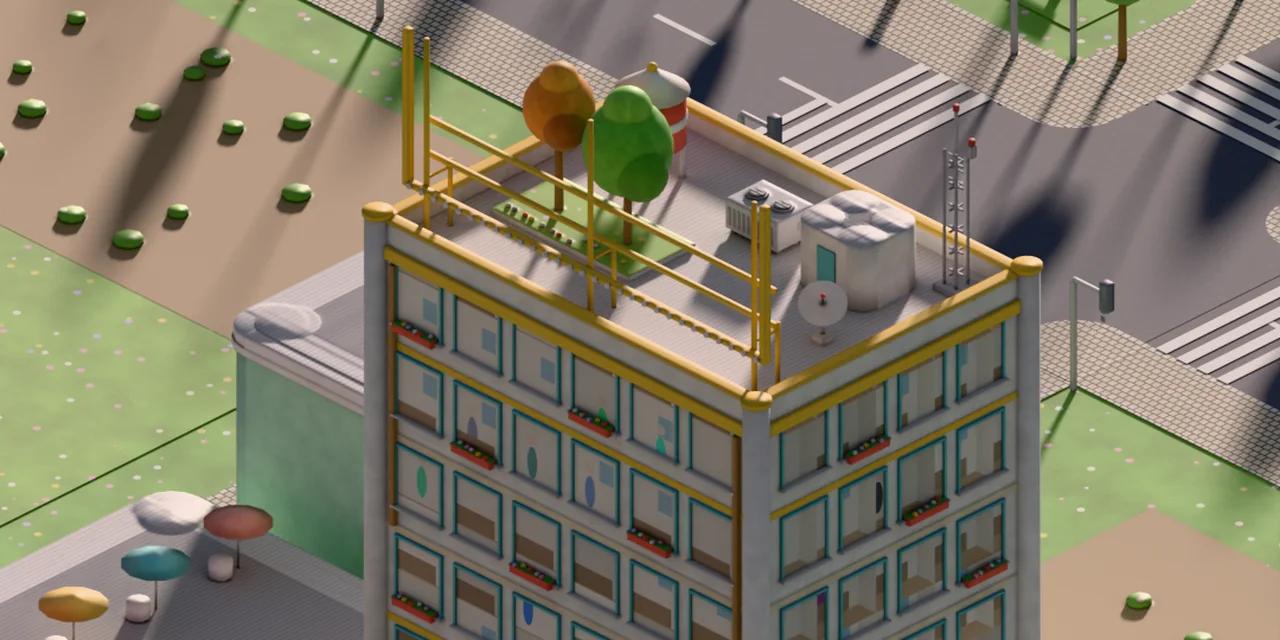
When an isometric 2D game on Flutter stutters and heats up the phone, the culprit is rarely the sprite count. Far more often it is hidden layers, and they are the biggest lever on Flutter game performance. Every saveLayer, Opacity or ColorFilter on an image forces Impeller to render into a separate texture. This guide walks through five steps to find those layers and remove them without changing how the game looks. We followed these steps to optimize the city in AI Inc: Tycoon: layers per frame dropped from 17 to 2, and color-filtered images from 145 to 0.
In short:
- Sprites are cheap; layers are expensive. Each layer is a separate offscreen texture.
- Bake everything that doesn't move into a single image, once.
- Tint sprites in the shader with
drawAtlas, not with a filter. - If a layer grows during zoom, keep its size in fixed steps.
- Measure on a real phone, in the same game state, on a cool device.
Why Flutter game performance drops even with few sprites
Because Impeller pays for every hidden layer. When an image has a ColorFilter, a widget has Opacity or ShaderMask, or you call canvas.saveLayer, the engine allocates a separate texture, draws into it and then blends it into the frame. One such layer is nothing. But in a city they multiply: logos on walls, lot patches, window lights, tinted trees, clouds, seasonal effects.
In a system trace this doesn't show up as "lots of drawing". It shows up as stalls on allocating textures and command buffers. The worst moment is a camera zoom: that's where 100+ ms frames appear.
Step 0. Measure before you change anything
The emulator won't help here: it has a different GPU and no thermal throttling.
- Build the game in
--profilemode and install it on a real phone, preferably not the newest one. - Record a system trace for a few seconds in one and the same scene:
adb shell atrace -a <package> -t 6 gfx view. - Add a debug counter for layers and filters to the game: let every layer count itself. After each change you'll see how many are left.
- Measure from the same save and on a phone that has cooled down. A hot phone lowers its clock speeds, and without this you're comparing temperatures, not code.
Step 1. Bake everything that doesn't move
Signs, lot patches and window lights change once every few minutes, yet they're drawn every frame. Draw them once into a PictureRecorder and turn the result into an image:
ui.Image bake(Size size, void Function(Canvas) paint) {
  final rec = ui.PictureRecorder();
  paint(Canvas(rec));
  return rec.endRecording().toImageSync(
    size.width.ceil(),
    size.height.ceil(),
  );
}
From then on, the frame does one drawImageRect instead of dozens of draw calls. Re-bake only when something actually changes: a lot was bought, evening fell.
Step 2. Tint in the shader, not with a filter
If trees, clouds or buildings change color with the time of day, don't put ColorFilter.mode on every sprite. drawAtlas multiplies the color right in the shader, with no layer, and batches many sprites into a single draw call as a bonus:
canvas.drawAtlas(
  image,
  [RSTransform(1, 0, x, y)],
  [src],
  [tint],             // one color per sprite
  BlendMode.modulate, // sprite × color, in the shader
  null,
  Paint(),
);
⚠️ Trap: Skia and Impeller interpret BlendMode.srcIn in drawAtlas differently, because they swap source and destination. On one engine the sprite gets tinted; on the other it turns white. Only modulate works reliably: keep a separate white mask of the sprite and multiply it by the color.
Step 3. Full-screen effects in a single fragment shader
Fog, rain or dusk are often assembled from several semi-transparent bands, each with its own layer. Replace them with one FragmentProgram. The shader is declared in pubspec.yaml:
flutter:
  shaders:
    - shaders/fog.frag
and drawn as a single full-screen rectangle. The GPU computes the noise and motion of the effect instead of a stack of layers.
Step 4. Layers that don't change size during zoom
Some layers will stay, for example a soft edge during a camera flight. If their size changes every frame, the engine allocates a new texture every frame. Round the layer bounds up to steps of 2^¼: the camera keeps moving, but a texture of the same size survives several frames.
Rect steadyBounds(Canvas c, Rect r) {
  final m = c.getTransform();
  final sx = math.sqrt(m[0] * m[0] + m[1] * m[1]);
  final sy = math.sqrt(m[4] * m[4] + m[5] * m[5]);
  if (sx <= 0 || sy <= 0 || r.isEmpty) return r;
  double step(double px) => math
      .pow(2, (math.log(math.max(px, 1)) / math.ln2 * 4).ceil() / 4)
      .toDouble();
  return Rect.fromCenter(
    center: r.center,
    width: step(r.width * sx) / sx,
    height: step(r.height * sy) / sy,
  );
}
Step 5. Small things that also heat the phone
- Audio that polls its position. By default the
audioplayerspackage tracks the position of every player, which means hundreds of calls per second. Short sounds don't need it:AudioPlayer()..positionUpdater = null. - 90 and 120 Hz screens. A calm 2D game doesn't need 120 frames, but they cost battery and heat. Cap it in
MainActivity:preferredRefreshRate = 60f. - Don't draw what nobody sees. Look for layers that are completely covered by others.
How not to break the look while you optimize
Wrap every replacement in an identity test: a widget test renders the scene the old way and the new way and compares the pixels. These tests run on the Dart VM without a phone, in seconds. If an optimization changes even one pixel, the test turns red.
Checklist
- ✓ Measured on a real phone, from the same save.
- ✓ Static content baked into images.
- ✓ No
ColorFilteron sprites — onlydrawAtlas+modulate. - ✓ Full-screen effects done in a shader.
- ✓ Layer bounds during zoom kept in fixed steps.
- ✓ Audio doesn't poll its position; 60 Hz cap.
- ✓ Every replacement guarded by an identity test.
FAQ
Is Flutter good for mobile games?
For UI-heavy 2D games, yes: tycoons, management sims, puzzles, card games. For 3D and complex physics, Unity is the better choice. More in our guide Flutter vs Unity for mobile games.
Do I need the Flame engine for this?
Not necessarily. An isometric view with thousands of sprites can be drawn with your own CustomPainter on the Canvas API. Flame gives you a game loop and components, but layers and filters cost just as much there.
How do I know layers are the problem?
Count them. If a frame has more than a few saveLayer calls or color filters, and the trace shows stalls on texture allocation, start there rather than with the sprite count.
Why 60 Hz and not 120?
In a calm 2D game the difference is barely visible, while the heat and battery drain are noticeable. For fast action games the answer may be different.
Need to speed up your Flutter game or find out what's heating the phone? We take on performance work as a standalone job, no full project required, and we work with companies under contract.